
Note
Go to the end to download the full example code.
Coordinates in Pyxem#
Pyxem is flexible in how it handles coordinates for a diffraction pattern.
There are three main ways to handle coordinates in Pyxem:
Pixel coordinates
Calibrated Coordinates with evenly spaced axes
Calibrated Coordinates with unevenly spaced axes (e.g. corrected for the Ewald sphere)
import pyxem as pxm
from skimage.morphology import disk


s = pxm.signals.Diffraction2D(disk((10)))
s.calibration.center = None
print(s.calibration.center)
[10.0, 10.0]
s.plot(axes_ticks=True)
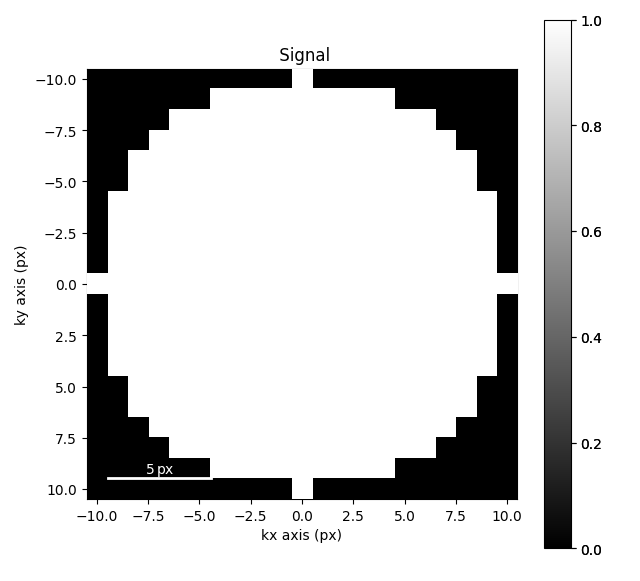
From the plot above you can see that hyperspy automatically sets the axes ticks to be centered on each pixel. This means that for a 21x21 pixel image, the center is at (-10, -10) in pixel coordinates. if we change the scale using the calibration function it will automatically adjust the center. Here it is now (-1, -1)
s.calibration.scale = 0.1
s.calibration.units = "nm$^{-1}$"
s.plot(axes_ticks=True)
print(s.calibration.center)
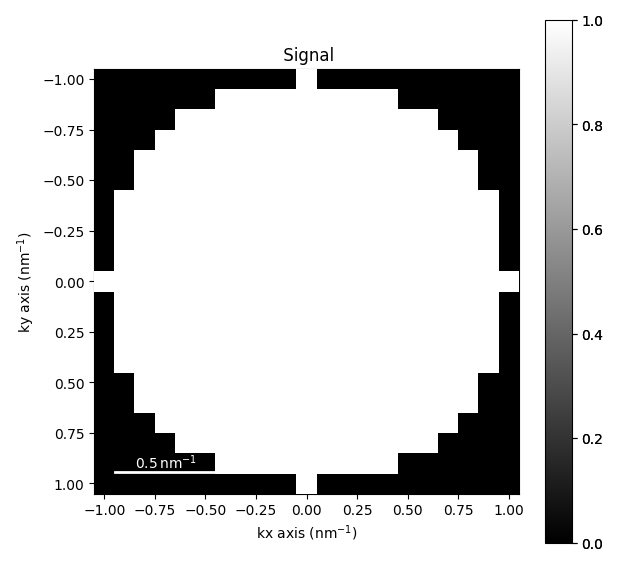
[10.0, 10.0]
Azimuthal Integration#
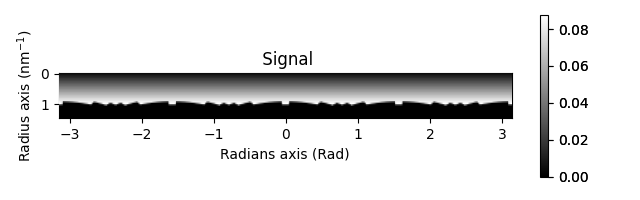
Now if we do integrate this dataset it will choose the appropriate center based on the center pixel.
az = s.get_azimuthal_integral2d(npt=30)
az.plot()
[                                        ] | 0% Completed | 186.01 us
[########################################] | 100% Completed | 102.23 ms
Non-Linear Axes#
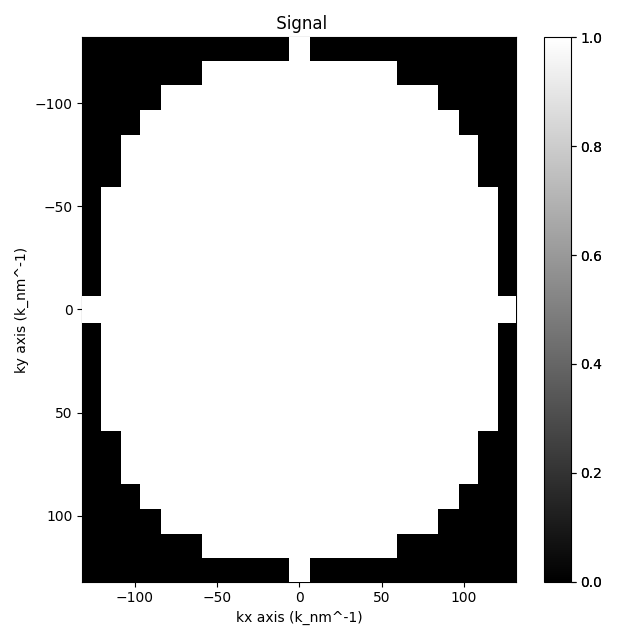
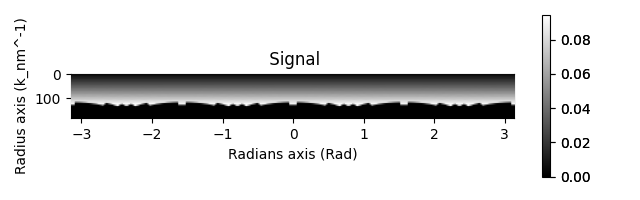
Now consider the case where we have non-linear axes. In this case the center is still (10,10) but things are streatched based on the effects of the Ewald Sphere.
s.calibration.beam_energy = 200
s.calibration.detector(pixel_size=0.1, detector_distance=3)
print(s.calibration.center)
s.plot()

az = s.get_azimuthal_integral2d(npt=30)
az.plot()
[10, 10]

[                                        ] | 0% Completed | 180.46 us
[########################################] | 100% Completed | 103.27 ms
sphinx_gallery_thumbnail_number = 4
Total running time of the script: (0 minutes 13.789 seconds)